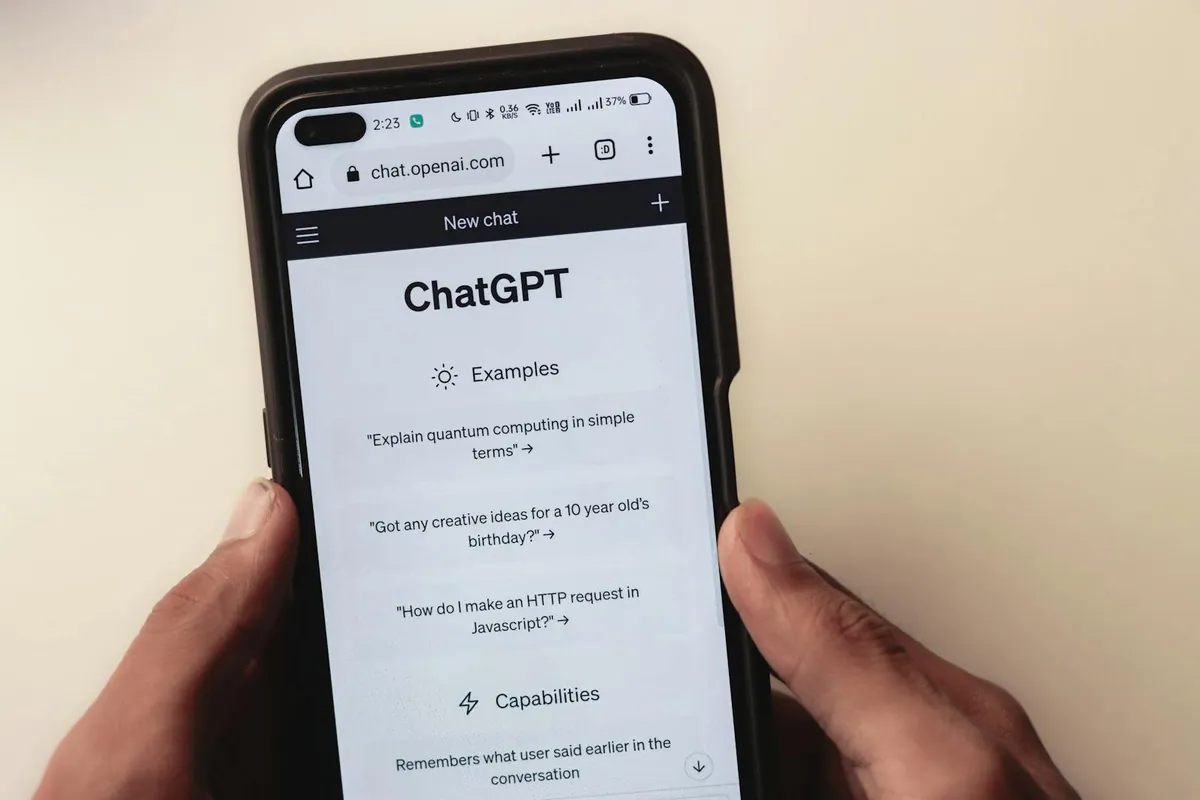
When a buyer asks an AI search product for a local provider, the answer may draw on websites, search indexes, business profiles, reviews and other sources. A useful first review checks eligibility, clarity and the evidence behind the answer. This six-part triage is a way to choose the next task. A complete crawl, repeated prompt baseline and source audit can require more time than the example budget below.
AI Search Is an Additional Discovery Surface, Not a Replacement for SEO
Different products retrieve and assemble answers in different ways. Google describes AI features that can run related searches across subtopics. OpenAI documents Search inclusion separately from potential model training. The practical consequence is simple: there is no universal three-factor formula for earning a citation.
Start with the same foundation that supports ordinary search: crawlable pages, useful visible text, clear internal links, accurate business facts, good page experience, and structured data that matches the page. Google does not require a special AI schema or a new machine-readable file for its AI search features.
Step 1: Check How AI Search Describes the Business Today
Choose eight to twelve prompts that reflect actual buyer stages. Include a category question, a problem question, a comparison, a local provider query, and a question about service scope. For MAXUOD, a useful local sample might include “who helps small businesses with SEO in Halifax?” alongside broader questions about GEO and search-led website design.
Record the platform, date, location or market setting, exact prompt, whether the brand appears, any cited URL, named competitors, and whether the description is accurate. Keep the same cohort for later comparisons. A single answer is an observation, not evidence of a stable rank.
Step 2: Audit the Pages Closest to Revenue
Review the homepage, priority service pages, location page, and contact or audit path before adding more articles. Each page should make five facts easy to find:
- Service: what the business actually provides.
- Audience: which customer or business situation it serves.
- Coverage: where the service is genuinely available.
- Evidence: verifiable experience, process, examples, or sources.
- Next step: the action a qualified buyer can take.
Direct openings, descriptive headings, short explanations, tables, and lists can improve scanning and extraction. They are useful because they clarify the page, not because every AI product is known to prefer one fixed format.
Step 3: Separate Search Eligibility from Model Training
Check indexability, canonical URLs, the XML sitemap, mobile rendering, internal links, and server responses. Then review crawler controls individually. Googlebot and Bingbot support their search indexes. OpenAI documents OAI-SearchBot for Search discovery and GPTBot separately for potential model training. Blocking or allowing one should not be described as controlling the other.
Check whether the CDN, firewall or hosting layer blocks verified crawler traffic. A copied user-agent header is not proof that the genuine bot receives the same response; compare the provider's published identification method and relevant logs where access is approved. For Google AI eligibility, inspect the Search generative AI control as well as page indexing and snippets. Validate supported structured data against visible facts. FAQ rich results have been retired, and there is no special “AI schema” to install.
Step 4: Map Real Buyer Questions to the Right Page
Customers often search with problem language rather than professional terminology. A Halifax owner may ask “why is my business not showing on Google Maps?” before searching for “local SEO.” Collect questions from sales conversations, forms, reviews, Search Console, and customer communities, then assign each question to one page.
Answer the question visibly and specifically. Include scope, tradeoffs, location, and the next decision when they matter. Avoid copying the same FAQ block across many pages or creating a thin page for every city-and-service variation.
Step 5: Verify Business Facts Across Independent Sources
Create one canonical profile packet for the business name, category, website, service area, hours, contact policy, description, and logo. Compare it with the website, Google Business Profile, Bing Places, Apple Business Connect, relevant Canadian directories, reviews, and industry listings. Fix material conflicts before expanding distribution.
Relevant third-party mentions can help buyers and systems verify a business, but volume alone is not the goal. Prioritise accurate profiles, genuine reviews, useful partner or publication mentions, and first-party evidence. Do not add credentials, locations, testimonials, or review markup that the business cannot substantiate.
Step 6: Measure Changes Without Inventing Causation
Use several measurement layers because no single report captures the whole journey:
- Google Search Console: clicks, impressions, queries, pages, indexing, and Generative AI performance when that report is available to the property.
- Bing Webmaster Tools: AI citations, cited pages, and grounding queries when AI Performance is available.
- Analytics: referral sessions such as ChatGPT traffic tagged with
utm_source=chatgpt.com, landing pages, enquiries, and other conversion events. - Prompt cohort: brand mentions, cited URLs, competitor appearances, and description accuracy for the same dated sample.
Compare the before-and-after period and keep a log of page changes, indexing events, profile corrections, links, and distribution. If a competitor is cited, study the full evidence pattern. Clarity, source coverage, freshness, and authority can move together, so one citation does not prove which element caused the difference.
An illustrative 30-minute triage budget
| Minutes | Check | Output |
|---|---|---|
| 0–5 | Run a fixed prompt sample | Dated mentions and cited URLs |
| 5–12 | Review revenue pages | Clarity and evidence gaps |
| 12–18 | Check indexing, crawlers, and schema | Eligibility issues |
| 18–23 | Map buyer questions | Page-level answer backlog |
| 23–27 | Compare public business facts | Consistency conflicts |
| 27–30 | Record the baseline and next action | One owned priority with a metric |
Turn the triage into one agreed task
An audit tool can report a blocked URL, a missing field, or a query change. The harder work is deciding whether it matters to the business, which page owns the issue, what should be implemented first, and how success will be verified. MAXUOD connects the technical findings, service-page content, local business facts, GEO observations, implementation, and measurement into one action chain.
For a straightforward small-business site, that scoped work may cost less than maintaining several specialist-tool subscriptions that still leave the owner to interpret and implement the findings. The right comparison is not only software price. It is the time and capability needed to turn data into a verified release.
Review the triage after a material website, service, profile or market change, or on a cadence suited to the business. Carry the most important finding into a scoped check with an owner and acceptance test. Repeated answer samples and business outcomes need their own observation windows; finishing this checklist does not establish either.
Related reading and sources
Read next on MAXUOD
External references
Want a practical search visibility review?
Send your website and we will review the technical SEO, local search, schema, and AI-answer signals that are most likely to affect qualified enquiries.