AI search optimization for a small business should start with measurement, not with a new pile of AI-written content. The practical path is to confirm which pages can be discovered, which buyer questions those pages answer, whether Google and Bing have any AI-search visibility data for the site, and whether visibility is turning into calls, forms, bookings, or qualified enquiries.
SEO remains the base layer. Google's current guidance keeps indexed, snippet-eligible pages and useful content at the centre. Check its Search generative AI inclusion control when eligibility is uncertain. The dedicated Search AI report completed its worldwide rollout August 31, 2026; it is not guaranteed to appear without enough eligible impressions. Bing's AI Performance reports citation activity across supported Microsoft experiences. A baseline should use the records available to the business and mark the gaps.
What AI Search Optimization Means for an SMB
For a Canadian small business, AI search optimization is the work of making the business easier for search and answer systems to understand, verify, and cite. It is not a separate replacement for SEO. It sits on top of crawlable pages, clear service language, accurate structured data, consistent local profiles, useful buyer-question content, credible mentions, and measurable conversion paths. Read the GEO primer for Canadian SMBs for the evidence boundaries behind this checklist.
The difference is the shape of the work. Classic SEO often starts with a keyword and a landing page. AI search work starts with a buyer question and asks whether the business has enough answer-ready evidence to support a generated response. A Halifax clinic, Nova Scotia contractor, or Toronto consultant does not need to rank for every possible prompt. It needs the right pages to answer the questions that lead to real enquiries.
An illustrative first-month sequence
| Timing | What to do | What success looks like |
|---|---|---|
| Days 1-7 | Build the baseline: Search Console, Bing Webmaster Tools, Bing AI Performance if available, Generative AI performance report if visible, analytics, and a small prompt set. | You know which pages matter, which tools have data, and which buyer questions you will track. |
| Days 8-14 | Fix the top service pages: answer-first opening, service area, scope, pricing factors, proof, internal links, and structured data that matches visible content. | The pages explain the offer clearly enough for a buyer, crawler, and AI answer system to summarize. |
| Days 15-21 | Strengthen public trust signals: Google Business Profile, Bing Places, Apple Business Connect, reviews, associations, local mentions, and consistent NAP details. | The same business facts appear across the site and credible third-party profiles. |
| Days 22-30 | Submit changed URLs, annotate updates, rerun prompt checks, compare Search Console and Bing data, and review leads. | You can see what changed, what did not, and which page deserves the next improvement pass. |
Days 1-7: Build a Baseline Before You Rewrite
Start with a short list of pages, not the whole site. Include the homepage, top service pages, location pages, contact or audit page, and the articles that support a buying decision. For each page, record the URL, title tag, H1, target service or question, service area, current conversion path, and last meaningful update date.
Then set up the measurement stack:
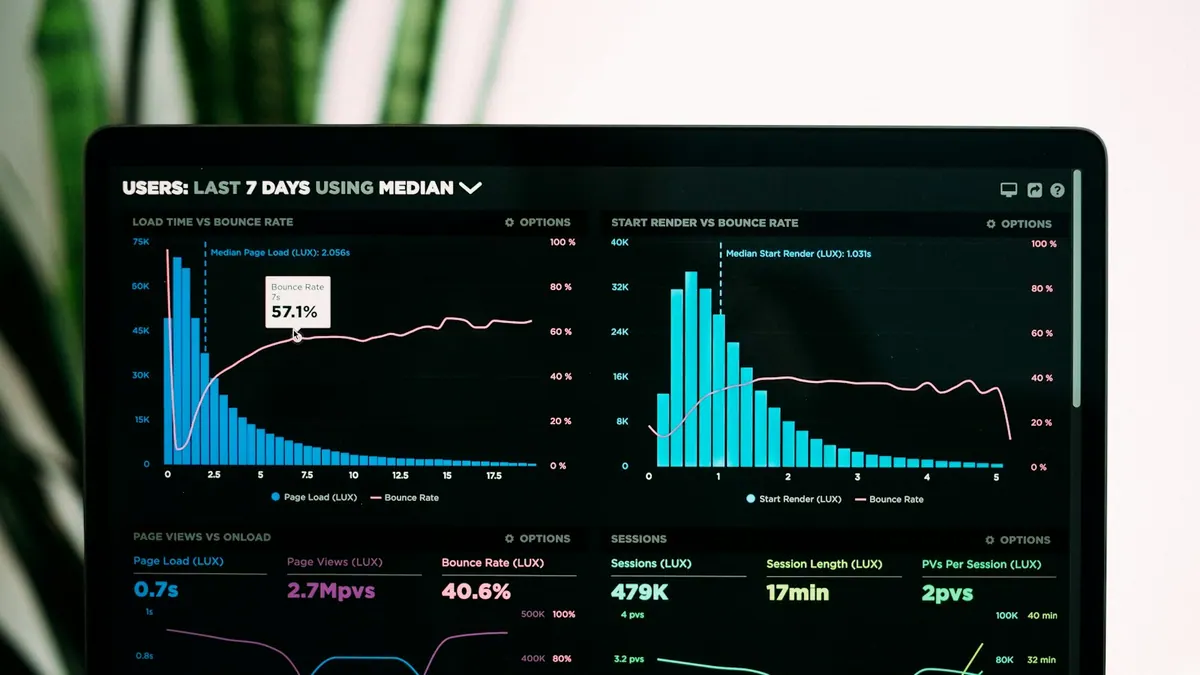
- Google Search Console. Use the Performance report for clicks, impressions, CTR, queries, pages, countries, and devices. If the Generative AI performance report appears in your property, record AI Overview and AI Mode impressions by page, country, device, and date.
- Bing Webmaster Tools. Check indexing, sitemap status, search performance, and AI Performance when available. Bing's AI report can show citations, cited pages, grounding queries, and page-level activity across supported Microsoft AI experiences.
- Analytics and conversions. Track form fills, call clicks, bookings, quote requests, and assisted conversions. AI visibility only matters if it supports qualified demand.
- Prompt sample sheet. Pick 10 to 20 buyer questions a real customer might ask. Include service, location, comparison, price factor, and urgency prompts. Treat manual checks as spot checks, not a ranking report.
The baseline should also include competitors. For each prompt or query, record which competitors are mentioned, which URLs are cited, whether the answer is accurate, and whether your business is absent, misdescribed, or correctly represented. This turns "we are not showing up in AI" into a page and proof problem you can actually fix.
Days 8-14: Make Priority Pages Answer-Ready
Choose the three pages closest to revenue. For many SMBs, that means the homepage, the main service page, and the strongest local page. Improve the opening so the page clearly states what the business does, who it helps, where it works, and what the next step is. This is not about keyword stuffing. It is about reducing ambiguity.
Each priority page should include:
- A direct opening answer. A visitor should know the service, audience, and geography immediately.
- Service scope. Explain what is included, what is not included, and who is a good fit.
- Pricing factors. If exact pricing is not possible, explain what changes cost, timeline, or complexity.
- Proof. Use real credentials, process details, examples, reviews, associations, photos, or case evidence. Do not invent case studies.
- Visible buyer questions. Add useful Q&A only where customers need clarity before contacting you. Do not add boilerplate FAQ blocks across every page.
- Internal links. Link service pages to the audit/contact path and to supporting articles that answer deeper questions.
Structured data should describe visible facts. A local service business may need Organization or LocalBusiness details, Service schema on service pages, BreadcrumbList on inner pages, and BlogPosting on articles. FAQPage markup should not be treated as a normal Google rich-result tactic after Google's 2026 FAQ rich-result change. Keep useful visible FAQ content when it helps buyers and AI systems understand the page; separate that content decision from the schema decision.
Days 15-21: Strengthen Entity and Trust Signals
AI search systems use more than your website. They also see public profiles, reviews, citations, local references, and recognizable mentions. For Canadian SMBs, the practical trust layer usually starts with profile consistency:
- Google Business Profile, Bing Places, and Apple Business Connect are claimed and current.
- Approved business name, website, hours, categories, service area and public contact policy agree across profiles. Do not publish a private street address or unconfirmed phone simply to complete a checklist.
- Review requests are part of the operating rhythm, not a one-time campaign.
- Important local or industry associations link to the right page.
- The About page explains who is behind the business, where it operates, and what proof supports the offer.
For a Halifax service business, that might mean confirming the same service area across the site, Google Business Profile, Bing Places, chamber profile, and industry listings. For a Canada-wide consultant, it might mean clarifying remote delivery, time zones, industry focus, and Canadian privacy or compliance considerations where relevant.
Days 22-30: Submit, Annotate, and Review
After meaningful page changes, submit changed URLs through the channels that fit the platform. In Google Search Console, inspect the priority URLs and request indexing when appropriate. For participating search engines, use IndexNow when a URL has been added, updated, or deleted. IndexNow is a discovery signal, not a promise of ranking or citation.
Record the date of every material change: page rewrite, structured data fix, new profile, review campaign, citation cleanup, internal link update, or IndexNow submission. Then compare the next data window against the baseline. Early movement can be noisy, but annotations prevent guesswork later.
What to Measure
| Signal | Where to check | How to use it |
|---|---|---|
| Generative AI impressions | Search Console Generative AI performance report, when available | See which pages appear in AI Overviews or AI Mode impressions by date, device, country, and page. |
| Search clicks and queries | Search Console Performance report | Watch whether page fixes improve normal organic visibility and buyer-intent query coverage. |
| AI citations and grounding queries | Bing Webmaster Tools AI Performance, when available | Identify which URLs Microsoft AI experiences cite and what retrieval phrases are associated with them. |
| Manual prompt presence | ChatGPT, Perplexity, Google AI Mode, and other test surfaces | Use a stable prompt set to find gaps, competitors, source patterns, and answer accuracy issues. |
| Conversions | Analytics, CRM, call tracking, booking tools | Connect visibility work to forms, calls, bookings, sales calls, and qualified enquiries. |
What Not to Do
Do not publish dozens of generic AI-written articles because a tool found prompt gaps. Do not rewrite every page because one AI answer missed your brand. Do not measure success with a 48-hour ChatGPT spot check. Do not sell FAQPage schema as a rich-result shortcut. Do not block or allow AI crawlers without understanding the business tradeoff. Do not treat citations as revenue.
The safer rule is simple: if a change makes the page clearer for a real buyer and easier for a crawler to understand, it is probably worth testing. If a change exists only to manipulate an AI answer, it is fragile.
How MAXUOD Would Use This Checklist
For a Canadian SMB, we would start with a small operating dashboard: priority pages, buyer prompts, Search Console data, Bing Webmaster data, profile consistency, conversions, and dated change notes. Then we would turn the findings into a fix queue. Which service page is vague? Which local profile disagrees with the website? Which article gets cited but fails to route readers to the service page? Which prompt suggests a source or page explanation worth testing?
The goal is not to "win AI search" in the abstract. The goal is to make the business easier to verify, easier to cite, and easier to choose.
Buyer questions
How long does AI search optimization take to show results?
There is no guaranteed citation or enquiry timetable. Verify shipped page and access changes immediately, then choose a comparison window based on data volume, seasonality, reporting delay and the scope of the change. A 30-day work plan is not a promise of results within 30 days.
Related reading and sources
Read next on MAXUOD
External references
Need a practical AI search baseline?
MAXUOD can review your priority pages, AI-search visibility signals, Bing and Search Console data, local profiles, and conversion path, then turn the findings into a 30-day fix queue.